Access Points
Offers updated on: 12/06/2026. Paid and non-exhaustive ads
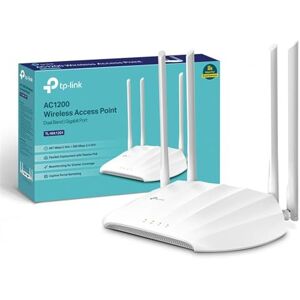

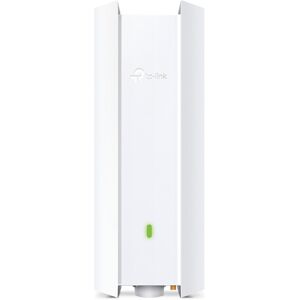
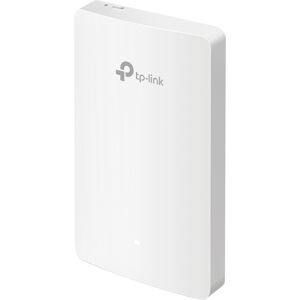

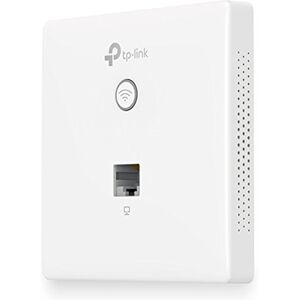
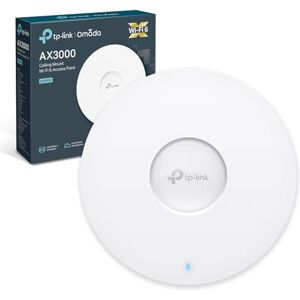
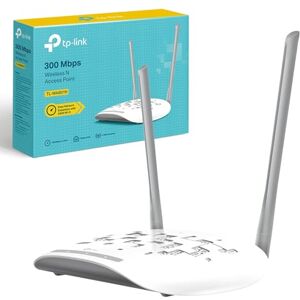
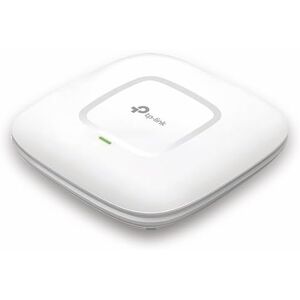


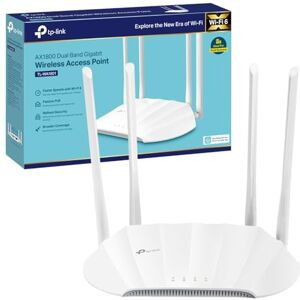


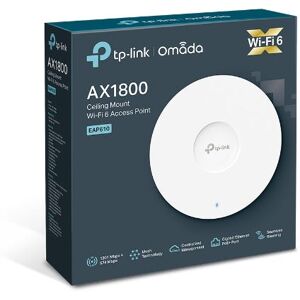


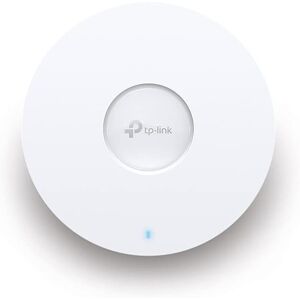


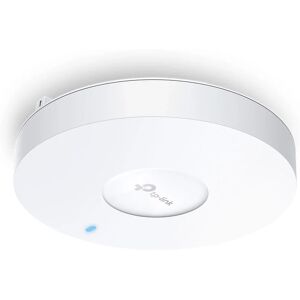


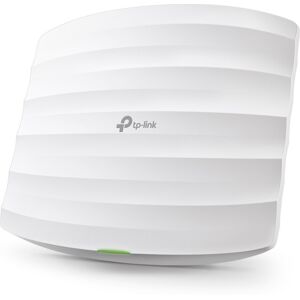


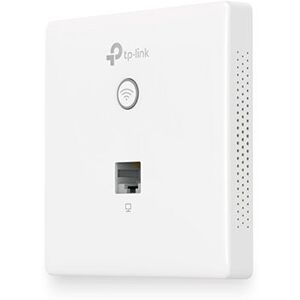
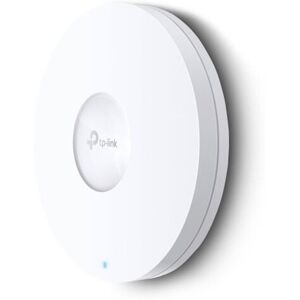
Comprehensive Buying Guide for Access Points in the UK
Access Points (APs) play a crucial role in modern networking, serving as the bridge between wired networks and wireless devices. In an age where connectivity is paramount, especially in homes and businesses with multiple devices, understanding Access Points can significantly enhance your wireless experience. Whether you're streaming high-definition content, gaming online, or working from home, the right Access Point can provide the stable and fast internet connection you need. This guide aims to equip you with the knowledge to make informed purchasing decisions when selecting an Access Point .
Understanding Access Points
At its core, an Access Point is a device that allows wireless devices to connect to a wired network using Wi-Fi. Unlike a router, which routes traffic between different networks, an Access Point extends the coverage of your existing network. This is particularly beneficial in larger spaces or environments with numerous devices, where a standard router may struggle to provide adequate coverage. By deploying multiple Access Points , you can create a seamless wireless network that ensures consistent connectivity across your premises.
Access Points are essential for enhancing the performance of wireless networks, especially in commercial settings like offices, schools, and cafes. They can handle multiple connections simultaneously, making them ideal for environments with heavy internet usage. As you consider purchasing an Access Point , it's important to understand the different types available and their specific use cases.
Types of Access Points
Access Points come in various forms, each designed to meet specific networking needs. Here are the primary types you should consider:
- Standalone Access Points : These are self-contained devices that connect directly to your router or switch. They are easy to set up and are ideal for home users or small businesses that require straightforward wireless coverage. Standalone APs are often budget-friendly and provide essential features without the complexity of management systems.
- Controller-Based Access Points : These are designed for larger networks and are managed through a centralized controller. This type is beneficial for businesses that need to manage multiple APs across different locations. Controller-based systems offer advanced features like load balancing, automatic channel selection, and centralized security policies, making them suitable for enterprise environments.
- Outdoor Access Points : As the name suggests, these are built to withstand outdoor conditions and extend wireless coverage to outdoor areas. They are typically weatherproof and can cover large areas, making them perfect for parks, campuses, or outdoor events. If you need to provide Wi-Fi in an expansive outdoor setting, an outdoor AP is your best bet.
Understanding these types will help you choose the right Access Point based on your specific needs, whether it's for home use or a larger commercial setting.
Key Features to Consider
When shopping for an Access Point , several key features can significantly impact performance and usability. Here are the most important aspects to consider:
- Speed and Capacity : Look for Access Points with high Mbps ratings, which indicate the speed at which data can be transmitted. Higher capacity is crucial for environments with many connected devices, ensuring that all users enjoy fast and reliable connections.
- Wi-Fi Standards : Familiarize yourself with the latest Wi-Fi standards—Wi-Fi 5 (802.11ac), Wi-Fi 6 (802.11ax), and the emerging Wi-Fi 7. Each standard offers improvements in speed, capacity, and efficiency. For instance, Wi-Fi 6 can handle more devices simultaneously and offers better performance in crowded environments.
- Power over Ethernet (PoE) : This feature allows the Access Point to receive power through the Ethernet cable, simplifying installation by eliminating the need for separate power outlets. PoE is particularly useful in locations where power sources are limited.
- Management Options : Decide between cloud-managed or standalone management. Cloud-managed Access Points offer remote management capabilities, allowing you to monitor and control your network from anywhere. Standalone options, while simpler, may lack advanced features.
- Security Features : Ensure that the Access Point supports the latest security protocols, such as WPA3, to protect your network from unauthorized access. Features like guest network capabilities can also enhance security by isolating guest users from your main network.
By understanding these features, you can make a more informed decision that aligns with your connectivity needs and security requirements.
Comparing Access Points with Other Networking Devices
To better understand where Access Points fit within your networking setup, it's essential to differentiate them from other devices like wireless routers and Wi-Fi extenders.
- Access Points vs. Wireless Routers : A wireless router combines the functions of a router and an Access Point , directing traffic between networks and allowing wireless devices to connect. However, while routers can serve small areas effectively, Access Points are better suited for extending coverage in larger spaces or high-density environments.
- Access Points vs. Wi-Fi Extenders : Wi-Fi extenders amplify the existing signal from a router to cover larger areas. However, they can sometimes reduce bandwidth and create latency. In contrast, Access Points create a new network segment, providing dedicated bandwidth and improving overall network performance.
Understanding these distinctions will help you choose the right solution for your networking needs, ensuring you get the best performance for your investment.
Best Access Points on the Market
When it comes to selecting an Access Point , the market offers a variety of options to suit different budgets and needs. Here are some top recommendations:
-
Budget-Friendly Choice:
TP-Link EAP225
- Key Specifications : Dual-band, 1200 Mbps, PoE support
- Pros : Affordable, easy to set up, decent coverage
- Cons : Limited advanced features
- Average Price : £50
- Where to Buy : Available at major retailers like Amazon and Currys.
-
Mid-Range Best-Value Option:
Ubiquiti UniFi AP AC Lite
- Key Specifications : Dual-band, 867 Mbps on 5GHz, cloud-managed
- Pros : Excellent performance, scalable, robust management features
- Cons : Requires a UniFi controller for setup
- Average Price : £80
- Where to Buy : Available at Ubiquiti's official store and other online retailers.
-
High-End Premium Alternative:
Cisco Meraki MR36
- Key Specifications : Dual-band, 1.5 Gbps, cloud-managed, advanced security features
- Pros : Exceptional performance, enterprise-grade security, easy management
- Cons : Higher price point, subscription required for full features
- Average Price : £300
- Where to Buy : Available through Cisco partners and select online retailers.
These options provide a range of choices depending on your budget and performance needs, ensuring you can find the right Access Point for your environment.
Placement and Installation Tips
Proper placement and installation of your Access Point are crucial for maximizing coverage and performance. Here are some practical tips to consider:
- Optimal Location : Place your Access Point in a central location within the area you want to cover. Avoid placing it in corners or behind large obstacles, as this can hinder signal strength. Elevating the AP can also improve coverage.
- Avoid Interference : Keep the Access Point away from electronic devices that may cause interference, such as microwaves, cordless phones, and Bluetooth devices. Using the 5GHz band can help reduce interference from other networks.
- Testing Coverage : After installation, use a Wi-Fi analyzer app to test signal strength in various areas. This can help identify dead zones where coverage may be lacking, allowing you to adjust the placement or add additional APs if necessary.
By following these tips, you can ensure that your Access Point provides optimal performance and coverage, creating a seamless wireless experience.
Upgrade Considerations
As technology evolves and your networking needs change, it may become necessary to upgrade your Access Point . Here are some signs that indicate it might be time for an upgrade:
- Slow Speeds : If you notice a significant drop in internet speeds or frequent buffering during streaming or gaming, your current Access Point may not be able to handle the demands of your devices.
- Connection Drops : Frequent disconnections or unstable connections can be a sign that your Access Point is outdated or not functioning correctly.
- Increased Device Load : If you've added more devices to your network, such as smart home devices or additional computers, your existing Access Point may struggle to provide adequate coverage and bandwidth.
Upgrading to a newer model with advanced features can enhance your network's performance and reliability, ensuring you stay connected in a fast-paced digital world.
Vendor Recommendations
Choosing a reputable brand is essential when purchasing an Access Point . Here are some well-known manufacturers recognized for their quality products:
- Cisco : Known for enterprise-grade networking solutions, Cisco offers robust and reliable Access Points with advanced management features.
- Ubiquiti : Ubiquiti's UniFi line is popular for its scalability and performance, making it ideal for both home and business environments.
- TP-Link : A budget-friendly option, TP-Link provides reliable Access Points with good performance and features at competitive prices.
When selecting a vendor, consider factors such as warranty, customer support, and product reviews to ensure you receive a quality product and service.
Budgeting for Your Purchase
Access Points come in a wide range of prices, typically starting from around £50 for budget models and going up to several hundred pounds for high-end options. When budgeting for your purchase, consider the following:
- Balancing Budget with Features : While it may be tempting to opt for the cheapest option, investing in a higher-quality Access Point can lead to better performance and reliability. Assess your needs and choose a model that offers the features you require without overspending.
- Long-Term Savings : A quality Access Point can save you money in the long run by reducing the need for replacements and providing a more stable connection, which can enhance productivity and reduce frustration.
By understanding the price ranges and the value offered at different levels, you can make a more informed decision that fits your budget and connectivity needs.
Conclusion and Final Recommendations
Selecting the right Access Point is essential for ensuring a seamless and reliable wireless experience. By understanding the types of Access Points available, key features to consider, and practical installation tips, you can make an informed decision that aligns with your specific needs. Remember to evaluate your budget and consider reputable brands known for quality products.
As you explore the recommended products, keep in mind the unique demands of your environment and the number of devices you need to support. With the right Access Point , you can enjoy fast, reliable connectivity that enhances your online experience, whether at home or in a professional setting.
Professionnals
Due to technical constraints, Kelkoo cannot guarantee the complete accuracy, nor the completeness of the information provided by the merchants. As a result, and due to the nature of Kelkoo's activities, in the event of discrepancies between the information displayed on the Kelkoo website or ads and the one displayed on the merchant's website, the latter will prevail. Prices shown are including all fees. - Learn more
 company